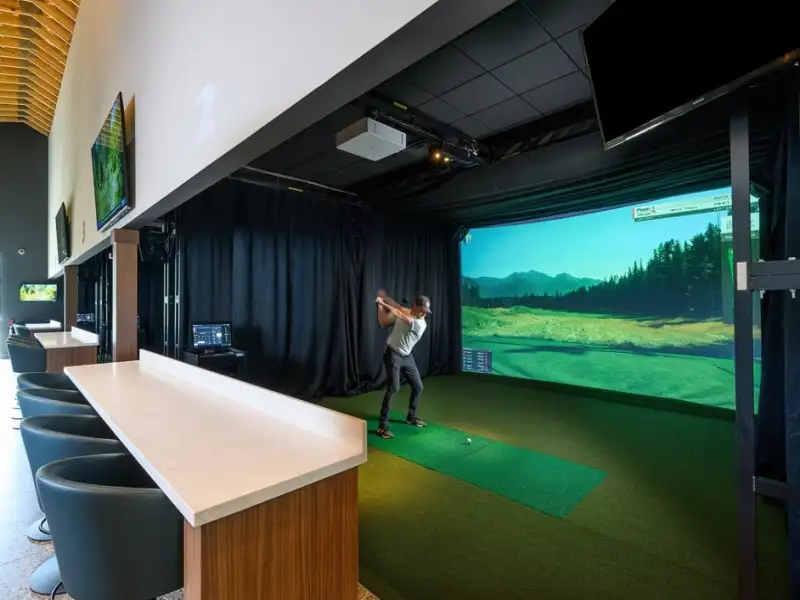
Claim and edit your facility listing
Use this guide to verify ownership, update the public information golfers see, and submit your listing for GolfSimIQ review before it goes live.
What you will need
Step one
Claim an existing listing, or add a missing one
Most owners should start by claiming the existing public listing. If the claim search cannot match your facility, use the add-location path or contact support from the claim screen.
Find your location
Start with the existing listing when GolfSimIQ already has your facility. If it is missing, submit a new-location request instead.
Start a claimChoose a verification path
Pick email verification when a location email works for you, or manual review when it does not. Both paths ask for the same private applicant details next.
Share private applicant details
Your name, contact email, phone, role, and authorization note are only for GolfSimIQ admin review. They do not become public listing content.
Complete verification
Email verification sends a 6-digit code. Manual claims may be approved right away when your email domain matches the facility website; otherwise an admin reviews the request.
Step two
Edit the public listing details
After approval, your dashboard lets you update the consumer-facing listing. The editor tracks required submit-readiness items, and the remaining fields help golfers decide whether to book.
Applicant contact details from the claim form stay private. Public email, phone, photos, hours, pricing, booking links, and services are edited separately in the listing editor.
Core listing details
- Facility name
- Website
- Description
- Contact information
Location and services
- Address
- Simulator brands
- Lessons
- Leagues
- Club fitting
Hours and pricing
- Regular hours
- Session pricing
- Membership notes
- Booking links
Images and media
- Hero image
- Simulator bay photos
- Logo
- Broken or outdated photos
Step three
Submit for GolfSimIQ review
When the listing is ready, submit it for review. GolfSimIQ checks the location, quality, duplicates, ownership context, and publish readiness before the first public publish.
Review rules to remember
Included with claim
Your claimed GolfSimIQ listing is free
Claiming verifies your operator access and lets you keep the listing accurate. It is the free foundation, not a paid membership or checkout.
- Claimed status on GolfSimIQ
- Dashboard access to update listing details
- Public hours, pricing, services, photos, and booking link control
- Review path before first publish

Join the Indoor Golf Alliance and make yours a Featured Facility.
A Featured Facility adds clearly labeled sponsored placement and turns your listing into a richer storefront with your branding, video tour, promotions, and conversion links. The focused detail page does not show nearby competitor cards. IGA membership access and available benefits are governed by IGA's current terms and confirmed during onboarding. The offer does not guarantee impressions, clicks, or bookings.
Choose GolfSimIQ or IGA checkout. Both options include the same Featured Facility and IGA membership benefits. The provider you pay manages billing and cancellation. GolfSimIQ purchases start IGA onboarding after verified payment; IGA purchases start Featured activation after IGA confirms membership. Activation confirmation follows by email, and access is not instant.
Both checkout options include the same benefits. Use the provider you paid for billing or cancellation support. Your free GolfSimIQ claim remains active if the paid subscription ends.
Before and after
See what the Featured upgrade changes
The upgrade changes where the listing appears, how the page is merchandised, and whether nearby competitors remain on the facility page.
A useful directory card and standard detail page, with nearby facility cards still available to the golfer.
City Featured placement
A clearly labeled sponsored slot above the regular grid.
Featured hero and gallery
Brand-led storytelling, media, promotions, and conversion links.
No nearby competitor cards
The facility detail page keeps attention on that operator.
Fitted Fairways is the GolfSimIQ-sponsored showcase. Featured placement is not an organic ranking claim.
Ready to update your listing?
Claim your facility first, then use the dashboard to keep the listing accurate for golfers searching near you.